

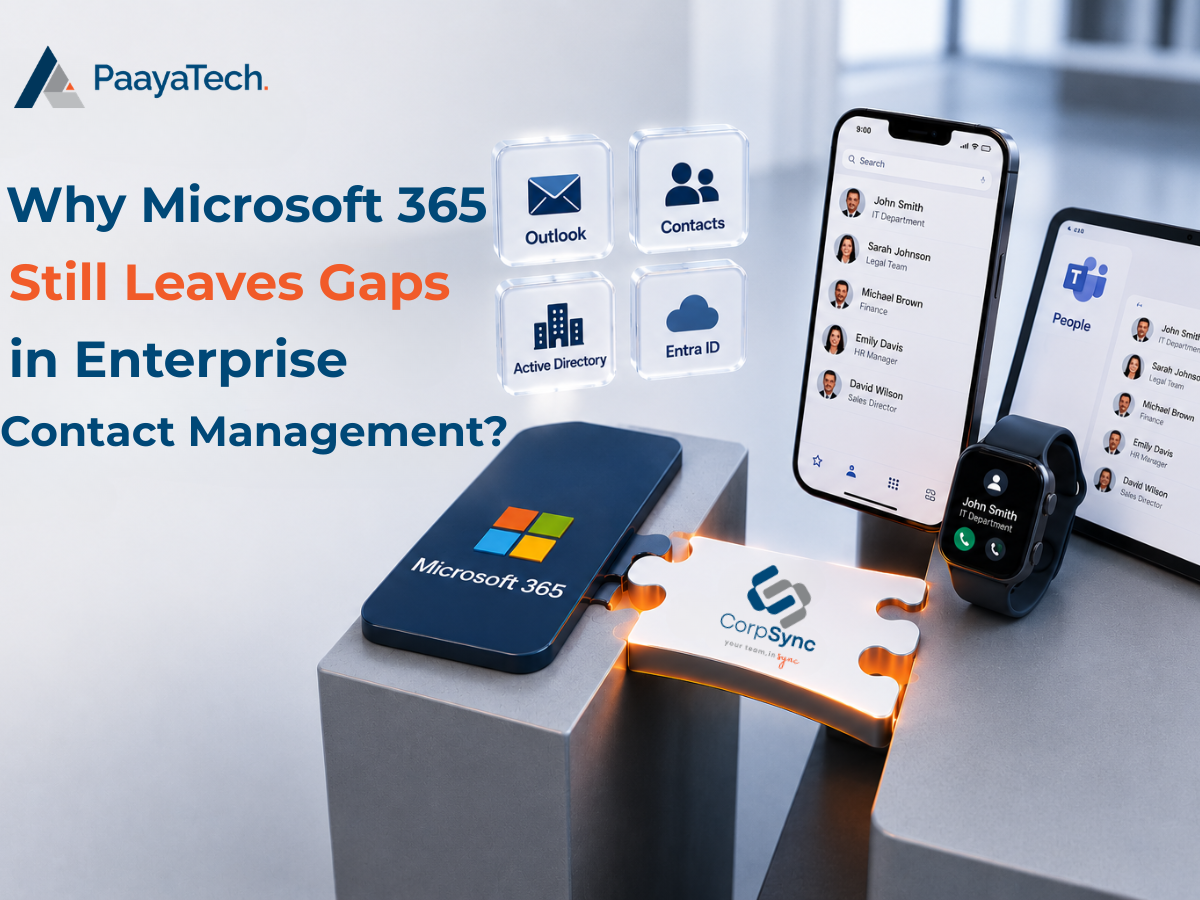

Enterprise Contact Management Has Become a Growing Business Challenge
Enterprise Contact Management has become one of the biggest operational challenges facing modern organizations.
Employees expect instant access to accurate business contacts whether they’re working in Outlook, Microsoft Teams, on an iPhone, an Android device, or remotely from anywhere in the world.
Microsoft 365 has become the backbone of modern business communication. Organizations rely on Outlook, Teams, Exchange Online, and Entra ID (formerly Azure Active Directory) every day to collaborate and stay productive.
However, when it comes to Enterprise Contact Management, Microsoft 365 was never designed to solve every challenge.
Many organizations assume that storing contacts in Microsoft 365 automatically means every employee always has access to accurate contact information. Unfortunately, that’s rarely the case.
As organizations grow, employees change roles, offices expand, departments evolve, and vendors, partners, and clients constantly update their information.
Without a centralized Enterprise Contact Management strategy, outdated contacts quickly become a business risk.
In this article, we’ll explore where Microsoft 365 falls short and how organizations can modernize Enterprise Contact Management with automation.
Enterprise Contact Management Challenges
Every organization depends on accurate contacts.
Employees need quick access to colleagues.
Sales teams need customer contacts.
Legal professionals rely on attorneys, clients, courts, and vendors.
IT teams need emergency contacts.
Executives require leadership directories.
As organizations grow, maintaining accurate information becomes increasingly difficult.
The challenge isn’t creating contacts.
The real challenge is keeping Enterprise Contact Management synchronized across every system employees use every day.
Why Microsoft 365 Doesn’t Fully Support Enterprise Contact Management
Microsoft 365 provides excellent identity and collaboration tools.
However, Enterprise Contact Management requires much more than simply storing user accounts.
Organizations often need to manage:
- Internal employees
- External contacts
- Vendors
- Clients
- Contractors
- Board members
- Emergency contacts
- Shared departmental contacts
- Regional office directories
These contacts may originate from multiple business systems, including:
- HR software
- Active Directory
- CRM platforms
- SQL databases
- ERP systems
- Practice management systems
- Custom applications
Microsoft 365 does not automatically consolidate all of these data sources into one centralized directory.
As a result, organizations often maintain duplicate contact records across multiple systems, increasing administrative effort and reducing accuracy.
Enterprise Contact Management and the “Unknown Caller” Problem
One of the most common frustrations employees experience is receiving calls from numbers that simply display Unknown Caller.
That caller may actually be:
- A colleague
- A client
- A vendor
- A partner
- A regional office
Because the contact isn’t stored on the employee’s mobile device, the caller’s identity isn’t displayed.
Employees waste valuable time trying to identify who is calling before answering.
In industries such as legal, healthcare, finance, education, and government, every missed or delayed call can have real business consequences.
Effective Enterprise Contact Management ensures employees always know who’s calling.
Enterprise Contact Management Across Mobile Devices
Today’s workforce is mobile.
Employees expect the same contact experience whether they’re using:
- Outlook
- Microsoft Teams
- iPhone
- Android
- Tablets
Unfortunately, Microsoft 365 does not automatically synchronize Enterprise Contact Management across every mobile device in a centralized and controlled manner.
Many organizations still rely on employees to manually create contacts.
Others distribute spreadsheets or shared contact lists.
Neither solution scales.
Neither guarantees accuracy.
Why Enterprise Contact Management Breaks Down Over Time
Organizations constantly evolve.
Employees:
- Change departments
- Receive promotions
- Move offices
- Get new phone numbers
- Leave the company
Without automated synchronization, Enterprise Contact Management quickly becomes outdated.
Employees continue calling old extensions.
Email signatures become inconsistent.
Mobile devices display obsolete information.
The result is unnecessary confusion throughout the organization.
Separating Personal and Corporate Contacts
Employees need convenient access to corporate contacts while keeping personal address books private.
Unfortunately, many organizations blur the line between the two.
Users frequently:
- Import CSV files
- Copy contacts manually
- Store business contacts permanently on personal devices
Poor Enterprise Contact Management creates security concerns and makes it difficult to remove corporate information when employees leave the organization.
Enterprise Contact Management Across Multiple Offices
Large organizations often operate across multiple:
- Cities
- States
- Provinces
- Countries
Each office may maintain its own contact directory.
Over time, these directories drift apart.
Departments maintain different versions.
Employees lose confidence in which contact list is accurate.
Instead of one trusted source, organizations end up with several incomplete ones.
A centralized Enterprise Contact Management solution eliminates this inconsistency.
Manual Enterprise Contact Management Doesn’t Scale
Keeping contacts updated manually consumes significant IT resources.
Administrators spend countless hours:
- Exporting lists
- Importing CSV files
- Updating distribution lists
- Correcting phone numbers
- Responding to contact requests
As organizations grow, manual Enterprise Contact Management becomes increasingly difficult.
Automation is no longer optional.
It’s essential.
The Hidden Cost of Poor Enterprise Contact Management
Poor Enterprise Contact Management impacts much more than productivity.
It affects the entire organization.
Common consequences include:
- Lost productivity
- Missed calls
- Delayed responses
- Inconsistent communication
- Duplicate records
- Outdated mobile contacts
- Increased IT workload
- Poor employee experience
Individually, these issues may appear minor.
Collectively, they cost organizations hundreds of hours every year.
What Organizations Need from Enterprise Contact Management
Modern organizations need more than a simple contact list.
They need an Enterprise Contact Management solution that:
- Automatically synchronizes contacts
- Integrates seamlessly with Microsoft 365
- Supports Outlook, Teams, iPhone, and Android
- Connects multiple business systems
- Keeps contact information continuously updated
- Reduces manual administration
- Scales with organizational growth
- Separates personal and corporate contacts
- Provides one trusted source of contact information
Improve Enterprise Contact Management with CorpSync
Microsoft 365 remains one of the best collaboration platforms available today.
However, Enterprise Contact Management requires capabilities beyond what Microsoft 365 provides out of the box.
That’s where CorpSync makes the difference.
CorpSync extends Microsoft 365 by automatically synchronizing enterprise contacts from multiple business systems directly to Outlook, Microsoft Teams, iPhones, Android devices, and other supported platforms.
Instead of relying on manual updates, employees always have accurate, up-to-date contact information wherever they work.
Whether your organization has hundreds or thousands of users, CorpSync helps eliminate duplicate effort, reduce IT administration, improve caller identification, and ensure everyone works from a single trusted contact directory.
If your organization is looking to modernize Enterprise Contact Management while maximizing the value of Microsoft 365, CorpSync provides the automation, scalability, and centralized control growing businesses need.
👉 Learn more about CorpSync and discover how you can modernize Enterprise Contact Management for your organization: https://corpsync.com/